

Custom PS5 Guide: Faceplates, Custom Controllers and Which Mods Are Worth It
Thinking about a custom PS5? See how faceplates, custom controllers and upgrades work, which mods are safe and when to ask a specialist.

A PlayStation 5 is a big, bright console, and plenty of owners want it to look and feel like their own. Custom faceplates, colourful controllers and upgraded storage are all popular ways to do it. The catch is that not every change is equal. Some are simple and safe, while others risk your warranty or the console itself. This guide explains how to customise a PS5 sensibly, and if something goes wrong, the specialists behind our PS5 repair service at One Systems are only a message away through the contact page.
What people mean by a "custom PS5"
The phrase covers a wide range of ideas, and it helps to separate them before you spend any money.
The most common meaning is cosmetic. Owners swap the white side panels for coloured faceplates or covers, add skins and vinyl wraps, or buy a themed console shell. These changes are mostly reversible and do not touch the electronics inside.
The second meaning is controller customisation. That includes replacement shells, new thumbstick caps, grips, back buttons and even rebuilt internals. Players who spend long sessions on shooters or racing games often want a controller that suits their hands and reaction style.
The third meaning is performance and capacity. Adding extra storage through the expansion slot is the most popular example, and it is the kind of upgrade that needs care. We cover it in detail in a separate guide, but the short version is that the right drive and correct installation matter a great deal.
The fourth, and riskiest, meaning is deeper modification: changing internal parts, swapping fans, repainting inside the case or altering the power and video hardware. These changes can affect cooling, safety and warranty, and they are where most expensive mistakes happen.
If you like the idea of a fully personalised gaming setup, you may also enjoy our custom PC builds, where the whole machine is designed around you, or the article on whether a $1000 PC is good for gaming. For the console itself, start with cosmetic changes and work your way up. If you ever need a second opinion, the services page, the Norwood team and the about page show who you would be dealing with.
Faceplates and console covers: what to know before you
buy Faceplates are the easiest way to change how a PS5 looks, but a few details are worth checking first.
Fit is the biggest issue. Different PS5 versions use different case designs, and covers made for one version will not fit another. Always check that a plate matches your exact model before ordering, because a wrong choice means a return and a wait.
Material and finish matter too. Quality plates are made from rigid plastic that clips on cleanly. Cheap ones can crack, warp or leave gaps that let dust in. Read reviews and look for photos from real buyers rather than only product renders.
Fitting is usually simple. You slide the old cover off and click the new one in, with no tools required. Take care not to force the plate, because the clips are thin, and keep the console switched off and unplugged while you work.
Think about airflow as well. The vents and the side gaps are part of how the console stays cool. Avoid plates that block openings, and never place stickers or wraps over vents. Heat is the enemy of a console, and our PS5 repair page covers overheating problems that can follow poor ventilation.
If you plan to buy a second-hand console that has been customised, ask to inspect it and check that it powers on, reads discs and runs quietly. Look for listings with clear specifications and photos, like those in our shop. When in doubt, the Norwood team and the services page list explain what we can check for you.
If a plate will not clip in properly, do not force it. Ask us first, because a cracked clip is hard to fix.
Custom controllers: shells, grips, thumbsticks and drift
Controllers are the most personal part of a console, and customising them can improve comfort and control.
Shell swaps are popular. A replacement shell changes colour and texture, and some add a grippier surface. The risk is that the controller has to be opened, and the internal ribbon cables and tiny connectors are delicate. Rushing the job can break the flex cable or damage the battery connection.
Thumbstick caps and grips are simpler. They change the height, shape and feel of the sticks, and they are easy to remove and replace. Taller sticks give finer aim, while shorter ones feel faster.
Back buttons and paddles let you use more inputs without moving your thumbs. Some are clip-on accessories, while others involve opening the controller and modifying the board. Always check the instructions and the compatibility carefully.
Stick drift is the problem nearly every long-term owner meets sooner or later. The cursor or character moves on its own, even when the sticks are untouched. Cleaning around the sticks can sometimes help, but a worn sensor needs replacing. Some third-party modifications use alternative sensors, and these are best left to experienced hands. If drift or a worn controller is annoying you, ask about a repair before you buy new. A fix can be cheaper than a replacement, and our PS5 repair team can advise through the contact page. People who like fixing electronics may also be interested in our phone repair work, which uses similar small-component skills. For everything else, see the full services list.
For more gaming and hardware guides, visit the blog.
Which PS5 modifications are safe, and which are risky
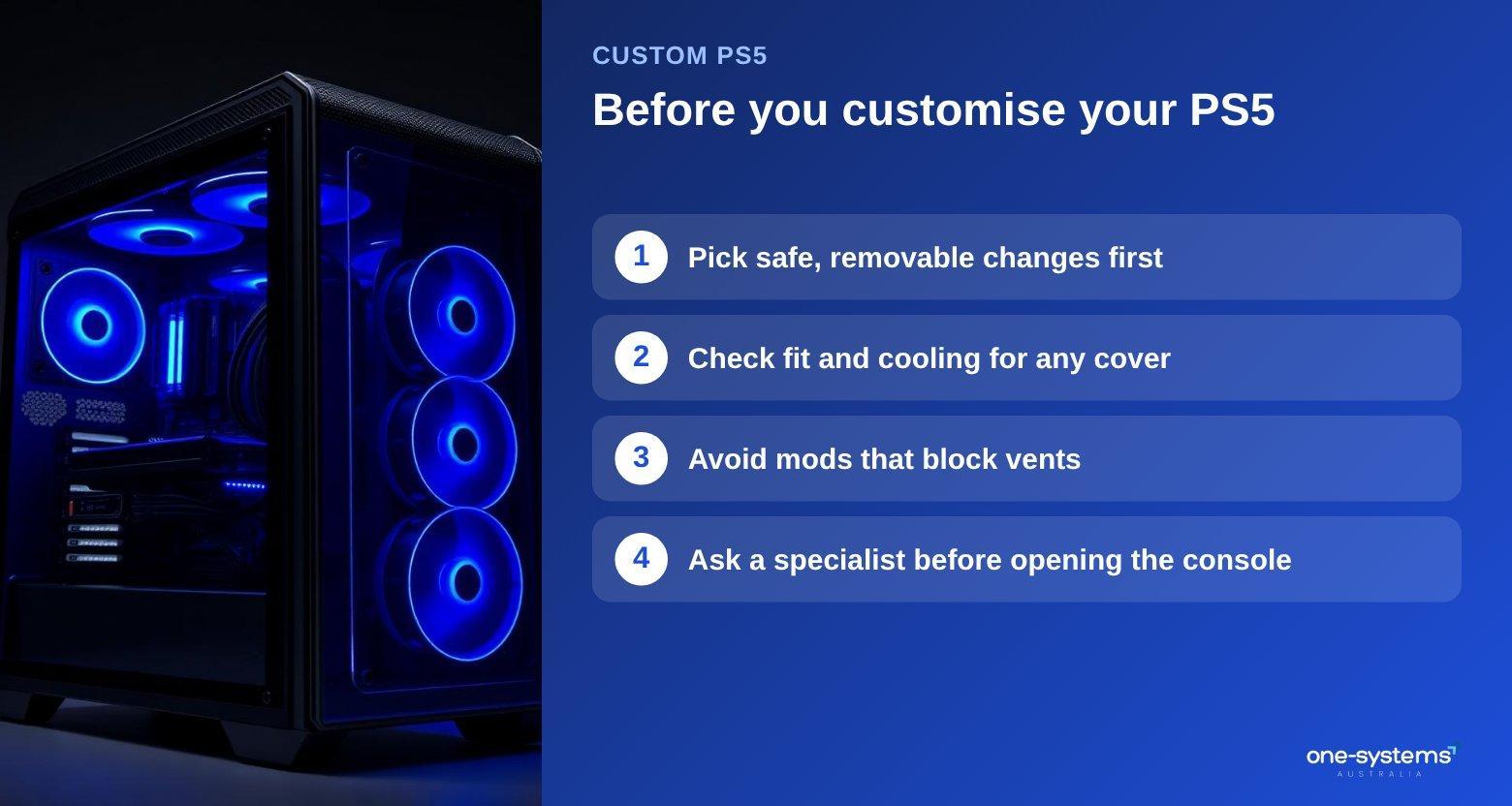
A simple rule helps: the further inside the console you go, the greater the risk. Safe changes include faceplates, skins, controller grips, thumbstick caps and a headset or charging dock. These do not alter the electronics and can be undone.
Sensible but careful changes include storage expansion and cleaning dust from the vents. Both require the right parts and a gentle touch. Use compatible parts and follow the console's official guidance.
Risky changes include anything that opens the console and touches the board, the power supply, the fan or the cooling system. Swapping the thermal paste, soldering or resurfacing the video port belong in a workshop with the right tools. A mistake can cost far more than the original upgrade.
You should also think about warranty and online services. Some modifications may void your warranty, and you should read the terms before opening anything. Using unofficial software or hardware that changes how the console behaves can put your account at risk.
Backups matter as well. Before any major change, make sure your saves are stored online or on a drive. If something goes wrong and the storage is affected, our data recovery team may be able to help. For a console that no longer starts after a modification, the first step is to stop and book a PS5 repair assessment. It is also worth asking the team whether an idea is wise, since our computer repair experts see the results of failed modifications regularly.
If online play drops out after a change, check your connection too, and our network and Wi-Fi support page explains common fixes. Players who want a less risky path to a personalised setup can consider a custom PC instead, which is designed to be upgraded.
Need a hand from a local technician?
Free diagnostics at our Norwood and Mount Barker workshops. Most phone repairs done same day.
Cleaning and cooling: the best upgrade nobody sees
The most valuable thing you can do for a PS5 costs almost nothing: keep it clean and cool.
Dust builds up inside the vents over months. It forces the fan to spin faster, makes the console louder and can lead to overheating. Place the console in an open, ventilated spot, not inside a closed cabinet, and keep a gap around the sides and back.
Wipe the outside with a dry microfibre cloth, and use a soft brush or a gentle blast of air at the vents while the console is off and unplugged. Do not insert anything sharp, and do not use a vacuum cleaner directly on the vents, because static can damage components.
Pay attention to the signs. A console that suddenly gets louder, shuts off during long sessions or shows a temperature warning is telling you something. Do not ignore it, because sustained heat shortens the life of the console. Our PS5 repair page explains the most common heat-related faults.
If you want to go further, a full internal clean and fresh thermal paste can restore quiet operation to an older console. That is best handled by a technician with the right tools, and it is a good example of an upgrade that improves performance without changing how the console looks.
Treat your console well and it will keep running for years. For help with any gaming hardware, from consoles to PCs, see our gaming PC builds or browse the blog for more guides.
If you are unsure whether a noise or a warning is normal, send us a message, and check the service areas page to see where to bring the console.
Get your PS5 looking and running its best
Customise with care, start with the safe changes and ask for help before opening anything. If your console needs attention, begin with our PS5 repair service, explore the shop, or contact us to ask whether an idea is a good one. You can also read about the team and see which suburbs are listed under areas we serve.
Frequently asked questions
The answers our team gives most often.
Ready to get it sorted?
Walk in or book online — we'll diagnose for free and quote before we touch anything.