

PS5 Repair in Adelaide: Fixing Overheating, No Signal, Disc Faults and Power Problems
PS5 won't turn on, has no picture or overheats? Learn the common faults, safe fixes to try first and when to book a PS5 repair in Adelaide.
A PS5 that stops working at the start of a gaming session is deeply frustrating. Before you assume the console is finished, it helps to know that most faults fall into a handful of categories, and many have simple causes. This guide explains the common PS5 problems, the safe checks you can try at home and the point where a professional repair becomes the better option. If you are in Adelaide, our PS5 repair service at One Systems handles diagnosis and repair, and you can contact us to describe the fault.
Common PS5 faults and what they usually mean
PS5 problems tend to show up in recognisable patterns. Matching your symptoms to a pattern is the first step towards a fix.
A console that will not turn on at all, with no light and no sound, often points to a power problem. That could be the cable, the wall socket, the internal power supply or a board
fault. A pulsing blue light that ends in the console switching off is another well-known sign of a hardware issue, and it usually needs a technician.
No picture is another group. If the power light is on and the fans run but the screen stays black, the cause might be the HDMI cable, the TV settings or the console's HDMI port. Swapping cables and ports on the TV is a simple way to narrow it down.
Overheating shows up as loud fans, sudden shutdowns and on-screen temperature warnings. Blocked vents and dust are the most common causes, but a worn cooling system can also be to blame.
Disc faults include discs that will not load, are not recognised or are ejected repeatedly. They can come from dirty discs, a misaligned drive or a mechanical fault inside the drive. Controller problems, such as drift or buttons that stick, are a separate issue and often cheaper to fix than a console repair.
Whatever the symptom, note exactly what happens and when. A clear description helps the technician diagnose faster, and you can send a short message or photo to get started. You can browse the services page for everything we repair, and if you are curious about the people behind the work, the about page tells you more. Local customers can also visit the Norwood team, and our general computer repair team handles related electronics.
Safe fixes to try before booking a repair
Some PS5 faults can be solved in a few minutes, and the following checks are safe for most owners.
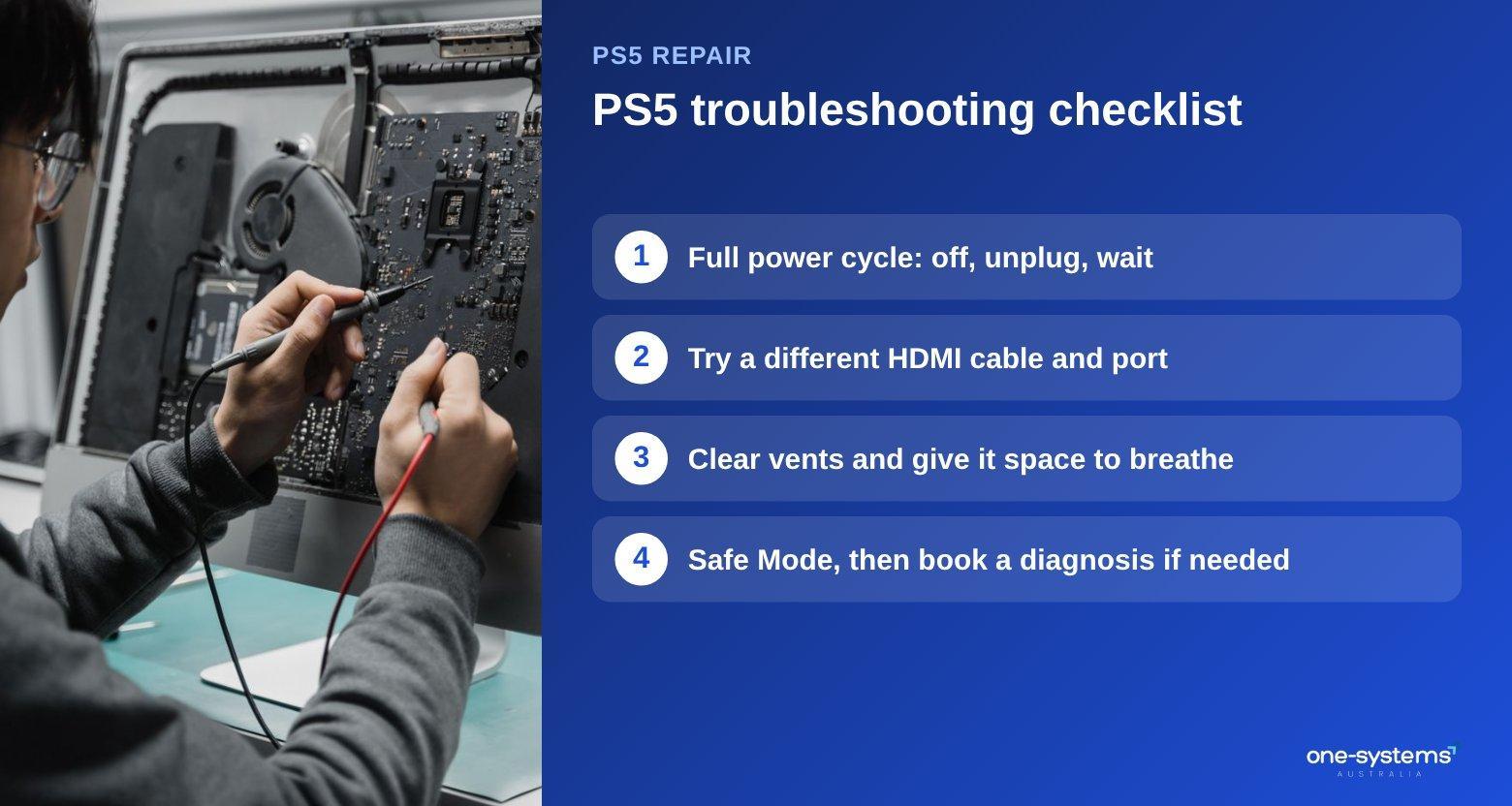
Start with a full power cycle. Switch the console off completely, not rest mode, unplug it from the wall and wait a minute. Plug it back in and try again. This clears many temporary faults.
Check every cable. Make sure the power cable is firm at both ends, try a different socket and test with a different HDMI cable. If you have another TV or monitor, try that too, because the problem may be the display rather than the console.
Look at the surroundings. A PS5 stuffed into a cabinet will overheat. Give it clear space on all sides and keep the vents free from dust.
Try Safe Mode. This is a special startup mode that offers options such as updating the system software and rebuilding the database. Follow the official instructions for your console, and avoid options that reset or erase the drive unless you have backed up your saves.
Update the software and check the connection. Faulty updates can cause odd behaviour, and a poor network connection can interrupt downloads. If your internet is the issue, see our network and Wi-Fi support page.
If none of this helps, stop. Repeated attempts can make a hardware fault worse. Take a note of what you have tried and any error codes, then book an assessment through the PS5 repair page. It also helps to read about how repairs are priced before you visit, so you know what to expect. For small questions, the contact page is the quickest route, and our blog has more troubleshooting guides.
HDMI port and no signal problems
The HDMI port is one of the most common failure points on a PS5, and the symptoms are easy to recognise once you know them.
A damaged port may cause a flickering picture, a screen that loses signal when the cable moves, or no picture at all. The pins inside can bend or tear away from the board, especially if the cable has been pulled or knocked.
Before blaming the port, rule out the simple causes. Try a new, high-quality HDMI cable, test a different HDMI input on the TV and check that the TV is set to the correct source. Some screens also struggle with higher refresh rates, so try a lower resolution through Safe Mode if needed.
If the port is bent, loose or visibly damaged, the fix is a repair rather than a settings change. Replacing an HDMI port is delicate work that involves soldering on the board. It needs the right tools, steady hands and plenty of experience. Attempting it without the skills can destroy the board and turn a repairable console into a write-off.
Prevent future damage by supporting the cable, avoiding sharp bends and not moving the console while it is plugged in. A short, well-fitting cable placed neatly behind the TV reduces strain.
Costs depend on the damage and on the console version, so a diagnosis comes first. Our PS5 repair team will check the port and explain the options before any work begins. If the fault is part of a bigger problem, you may need a motherboard repair assessment. Because gamers also own PCs, our custom PC service can help with those as well, and the services list shows everything else we handle. To describe your fault, send us a message.
Overheating, fan noise and sudden shutdowns
A PS5 is built to move a lot of air, and when airflow is blocked, it makes itself known. Loud fan noise is usually the first sign. The fan speeds up to remove heat, and dust inside makes the effect worse. If the noise appears during menus or light use, the console may already be struggling.
Shutdowns during long sessions are the next stage. The console protects itself by turning off when it gets too hot, and you may see a warning before it happens. Do not keep restarting it, because the heat is still inside.
The fix starts with placement. Put the console in an open space, away from walls and other equipment, and never in a closed cupboard. Keep the vents clear and dust the outside regularly. Our maintenance tips describe safe cleaning for electronics. If the problem remains, the cause may be inside: a clogged fan, dust built up on the heatsink or old thermal paste. A technician can open the console, clean it properly and renew the paste where needed. This work restores quiet running in many consoles that seem beyond saving.
If you are not sure whether the heat is normal, ask us before it becomes a bigger problem. Warm rooms make things worse. In summer, make sure the room is ventilated, and avoid sunlight falling on the console.
If your console is making unusual sounds, or you are not sure whether the heat is normal, ask the PS5 repair experts. You can also look at our custom gaming PC work if you want a system designed with cooling in mind. For small hardware questions, the blog has more guides.
Need a hand from a local technician?
Free diagnostics at our Norwood and Mount Barker workshops. Most phone repairs done same day.
Disc drive faults, power failures and what a professional
does Some faults are beyond home repair, and it helps to know what happens when a console is taken in.
Disc drive problems show up as discs that will not go in, will not come out or are never recognised. First clean the disc and try another one. If every disc fails, the drive may be faulty, and replacing it is a job for a technician.
Power failures are another category. If the console is dead with no light, the cable and socket come first, but an internal power supply or board fault is also possible. A technician tests the power supply and the board to find out.
When you bring a console in, the process is straightforward. The technician checks the symptoms, opens the console, inspects the parts and tests the fault. You receive a diagnosis, a quote and a recommendation before work starts. After the repair, the console is tested under load to confirm it is stable.
Before you hand it over, back up your saves online if you can, remove any discs and note your account details. If your console holds files that are not backed up and will not start, ask about data recovery or read the data recovery guide.
Repair is usually the better choice when the console is relatively new and the fault is limited. If the damage is serious and the console is old, compare the cost with a replacement, or consider a gaming PC. You can start with the PS5 repair page and ask any questions through the contact page.
Get your PS5 working again
Most PS5 faults have a fix. Start with our PS5 repair service, get in touch, browse the services or read about our team. You can also check the areas we serve and see the shop for other devices.
Frequently asked questions
The answers our team gives most often.
Ready to get it sorted?
Walk in or book online — we'll diagnose for free and quote before we touch anything.