

How Much Does Computer Repair Cost in Adelaide? What Really Affects the Price
Wondering what computer repair costs in Adelaide? See what drives the price, repair vs replace, and questions to ask before agreeing to a quote.

Few people know what a computer repair should cost until they need one, and that uncertainty makes a stressful situation worse. The honest answer is that price depends on the fault, the device and the parts involved, not on a single fixed rate. This guide explains the factors that shape a quote, so you can judge whether an offer is fair. If you want a real figure for your own machine, the team at One Systems can assess it through our computer repair service, and you can read a shorter companion piece on repair costs for your PC as well.
What affects the cost of a computer repair
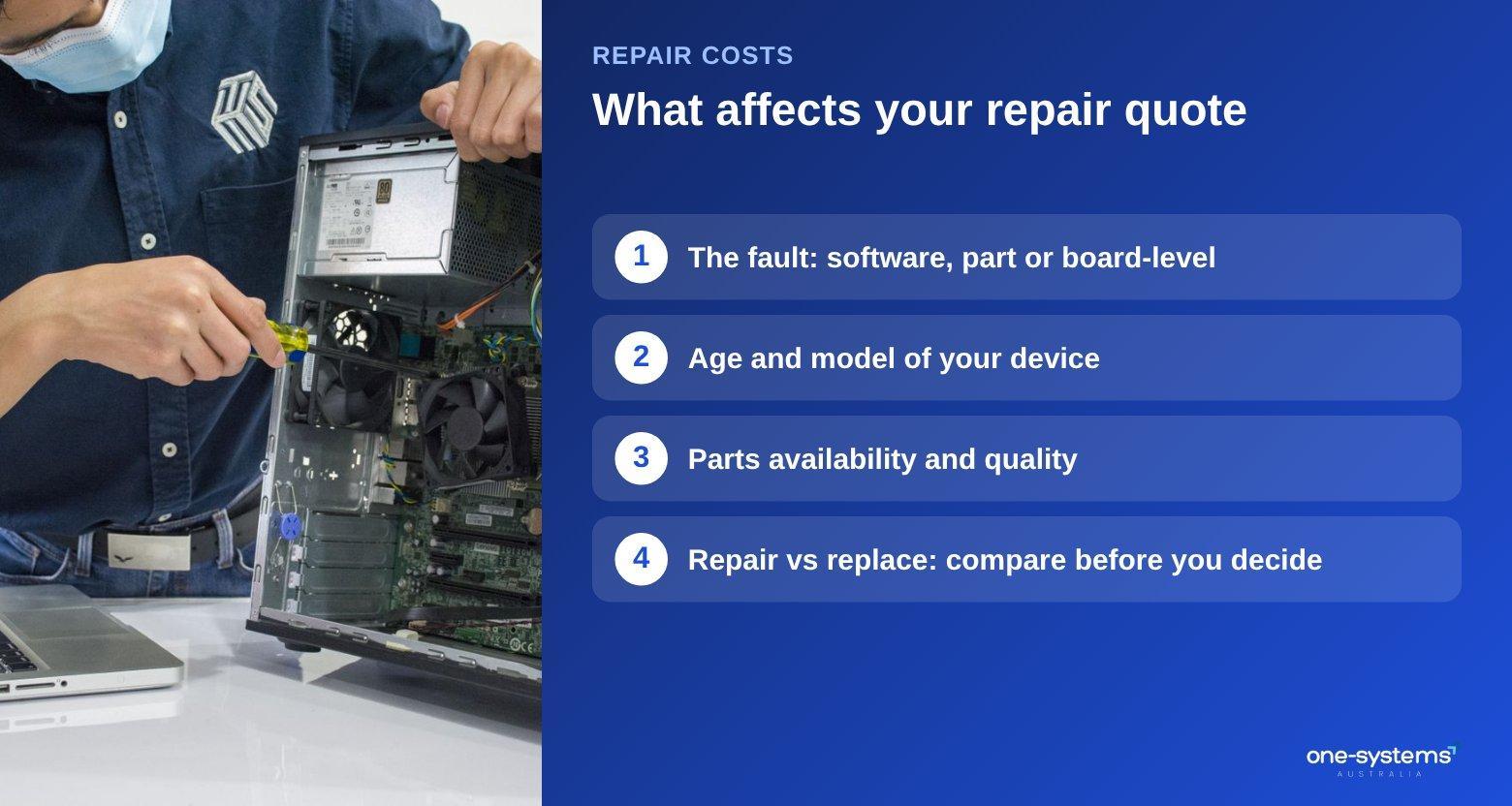
Every quote is built from three ingredients: time, parts and risk. Understanding each one makes any estimate easier to read.
Time covers the diagnosis and the labour. A quick software fix takes far less effort than opening a laptop, replacing a soldered component and testing it afterwards. Diagnosis alone can be valuable, because it separates a cheap fault from an expensive one before you commit to anything.
Parts vary widely. A new charger or memory stick costs little, while a replacement screen, a specialised battery or a graphics card can be a major part of the bill. Parts for older or unusual models can be harder to source, which pushes the price up. Our page on laptop screen replacement shows why display repairs differ so much from one model to the next.
Risk is the factor people forget. Repairs that involve possible data loss, liquid damage or a fault deep in the circuit board take more care. A motherboard repair is a good example: it needs experience and specialist tools, so it is priced differently from a simple part swap.
It also helps to remember that cheap is not always cheap. A very low quote can hide a poor-quality part or skipped testing, while a slightly higher quote may include a longer-lasting component and a proper test. Compare what is included, not just the headline number.
Finally, urgency and location matter. Rush jobs and onsite work cost more than standard bookings. If convenience is your priority, check whether a local branch such as Norwood or Salisbury suits you, and review the services we offer before you call.
Typical repair types and how they are priced
Rather than quoting numbers that change with every model, it helps to understand where each common job sits on the cost scale.
At the lower end are software jobs: clearing out a slow system, reinstalling Windows, removing unwanted programs and updating drivers. A malware clean-up falls here too, and our virus removal service is designed to restore performance without replacing hardware.
In the middle are standard part replacements. Adding memory, swapping a failing storage drive for an SSD, replacing a keyboard or fitting a new battery are common examples. For laptops, a cracked display or a broken hinge sits here as well, and the hinge repair page explains what is involved. If your device was dropped, you may also want to read about how a laptop repair differs from a desktop job.
At the higher end are complex faults. Board-level repairs, liquid damage that has spread and failed drives that hold important files cost more because they take specialist skill. Our guides on water damage and data recovery explain why speed matters in these cases: the longer a damaged machine sits, the more corrosion and data loss can occur. Remember that many faults involve more than one layer. A laptop that will not start may need a new charger, a battery replacement and a system repair. Your technician should
explain which items are essential and which can wait, so you can spread the cost if needed.
Whatever the category, a fair shop will give you the likely range after diagnosis and let you decide. Our contact page is the easiest way to start that conversation.
Repair or replace: how to decide
Sometimes the cheapest fix is not a repair at all. A simple framework can help you decide.
Start with age. A machine under five years old with a single failed part is almost always worth repairing. A computer that is eight or ten years old, runs a slow spinning drive and struggles with current software may be better replaced, unless a drive upgrade will transform it.
Next, compare the quote with the cost of a similar replacement. If the repair costs more than roughly half of a new machine with equal performance, think carefully. Include the hidden cost of setting up a new device, transferring files and relearning software. Then consider how you use the computer. A gamer may benefit more from a fresh build, and our custom PC builds or the article on whether a $1000 PC is good for gaming can help you set a budget. A student who only writes documents might be happy with a repaired laptop, or with a second-hand machine from the shop.
A useful trick is to ask yourself whether you would buy this exact machine today. If the answer is yes, repair it. If the answer is no, put that money towards something better.
Finally, ask whether a tablet might meet your needs. Our laptop vs tablet comparison covers that decision.
If you own a Mac, the thinking is similar but the parts are pricier. The post on whether it is worth fixing an old Mac covers it, and our laptop repairs in Adelaide page lists the brands we handle.
Ways to keep repair costs down
You cannot avoid every fault, but a few habits reduce both the odds and the bill. Back up your files regularly. A cloud service or an external drive turns a possible disaster into an inconvenience, and it can mean you never need to pay for data recovery at all. Backups also make a clean reinstall painless, which is often the cheapest solution to a software problem.
Keep your machine clean and cool. Dust blocks vents and forces fans to work harder. A can of compressed air and a few minutes every few months helps, and our laptop maintenance tips go through the routine step by step.
Act early. A small noise, a slow start or an odd battery reading is cheaper to fix now than a total failure later. Do not wait for a screen to black out completely before asking for advice.
Use surge protection and good chargers. Poor-quality power accessories are a frequent cause of failed ports and boards, so a decent charger is a small investment that avoids a big repair.
If you rely on your device for work, plan for it. Keep a spare charger, note your software licences and consider an annual health check with a computer repair team in Adelaide so small faults are caught early. Regular updates, including Microsoft 365 support, also close security gaps that lead to costly clean-ups.
Choose a local, communicative repairer. Shops with a clear process, such as those on our about page, tend to explain options openly. If you run a small business, ask about business IT support so that repairs and maintenance are planned instead of reactive.
Need a hand from a local technician?
Free diagnostics at our Norwood and Mount Barker workshops. Most phone repairs done same day.
Questions to ask before you agree to a quote
A little preparation protects you from surprises. Bring these questions to any repair conversation.
Is there a diagnostic fee, and is it deducted if I go ahead with the repair? Some shops charge to assess a device, others fold it into the repair, and you should know which before you hand it over.
What exactly is included in the price? Ask whether parts, labour and testing are all covered, and whether data backup is part of the job or an extra.
What happens if the fault turns out to be different? A good repairer will call you with an updated quote rather than proceed and send a larger bill afterwards.
How long will it take, and how will you update me? Parts availability affects timing, so ask when you can expect an answer.
Is there any warranty on the work or the parts? Ask for the terms in writing so there is no confusion later.
If your device is covered by insurance, say so up front. The insurance damage reports page explains how a written assessment can support a claim.
Think about convenience as well. A shop close to home makes drop-off and collection easy, so check pages like Pooraka or Mawson Lakes if you live north of the city. If you also have a phone playing up, ask whether it can be handled at the same visit through our phone repair team.
Finally, ask what could make the job cheaper. Sometimes a refurbished part, a different brand or a software-only fix is enough. You can raise these questions at the Mount Barker branch or any location listed under areas we serve.
Get a clear quote
You do not need to guess what your repair will cost. Describe the symptoms through our contact page, browse the full range of services, or see how we handle computer repairs in Adelaide from start to finish. Prefer a replacement? The shop has machines ready to go, and you can learn more about the team behind them. Whatever you choose, a transparent quote comes first.
Frequently asked questions
The answers our team gives most often.
Ready to get it sorted?
Walk in or book online — we'll diagnose for free and quote before we touch anything.