

MacBook Repair in Adelaide: Common Faults, Costs to Expect and Where to Get Help
Need a MacBook repair in Adelaide? Learn common faults, Air vs

Pro repairs, whether an old Mac is worth fixing and how to prepare.
MacBooks have a reputation for lasting a long time, but they are not immune to trouble. Screens crack, batteries wear out, keyboards stick and the occasional spill ruins a perfectly good machine. Because Apple laptops are built differently from most Windows laptops, it pays to know how repairs work before you choose where to go. This guide explains the common faults, the difference between Air and Pro models and what to do before you hand your Mac over. If you need advice now, our team at One Systems works on laptops of many brands through our laptop repair service, and the contact page is the quickest way to ask about your model.
The most common MacBook problems
Most MacBook repairs fall into a short list, and recognising yours helps you describe it clearly.
Cracked or faulty screens top the list. A drop or pressure inside a bag can crack the glass, and even a tiny impact can leave lines, dark patches or a flickering display. Replacement is the usual solution, and the details are similar to those described on our laptop screen replacement page.
Battery wear is next. A MacBook that drains quickly, shuts off unexpectedly or runs hot may need a new battery. A swollen battery can push up the trackpad or bend the case, and it should be dealt with immediately.
Keyboards and trackpads cause plenty of complaints. Sticky or repeating keys, a trackpad that no longer clicks and keys that stop responding all point to wear, debris or liquid.
Power and charging faults include a MacBook that will not turn on, will not charge or only works when plugged in. Causes range from a faulty charger and a damaged port to a failing board. Our post on a MacBook that won't turn on walks through the diagnosis. Liquid damage is serious on any laptop. A small spill can corrode the board within hours, so read our guide to water damage repair and switch off at once.
Performance problems such as a slow start, constant spinning icons or a full drive can often be fixed without parts. Cleaning out storage and reinstalling the system can bring an older Mac back to life.
If your Mac has more than one problem, ask for a full assessment. A combined repair can be more efficient, and the services page shows the range we cover. Customers close to the city can drop in to the Norwood team, and the computer repair page gives an overview of how we work.
MacBook Air and MacBook Pro: how the repairs differ
Air and Pro models share a family resemblance, but their internal design affects the repair.
Air models are slim and light, with tightly packed components. Many are built with very little space for cooling or extra parts, and screens, batteries and keyboards are often integrated into assemblies that must be replaced as a unit. A careful technician can still handle them, but patience is essential.
Pro models are larger and usually include more powerful hardware and better cooling. Some have more serviceable parts, though many modern versions also use components fixed to the board. The display assemblies are often more complex and costly, especially on models with high-resolution panels.
An important point is that on many recent MacBooks, memory and storage are part of the main board and cannot be upgraded later. That makes the choice at purchase important, and it also means a board fault can affect data storage directly. If your Mac
will not start and holds important files, ask about data recovery early, because the sooner it is assessed, the better the chance.
Older MacBooks are often more flexible, with replaceable batteries, drives and memory in some models. That can make repairs cheaper and upgrades possible, but parts for very old models become harder to find.
Software and model year matter as well. Newer models may need specific procedures, and some repairs involve parts that must match the machine. Always give the exact model name and year when you get a quote. Our laptop repairs overview and the guide on repair pricing explain what drives the final cost.
If the fault looks like a motherboard problem, expect a longer diagnosis. These cases take specialist skill, and the outcome depends on how much damage has occurred.
Apple store or independent repair shop?
Many people assume an Apple store is the only place to take a MacBook, but there are choices.
An Apple store can be a good option if your Mac is under warranty or covered by AppleCare. Repairs under cover are usually free or heavily discounted, and you get original parts. Check your coverage first, because it may save you a lot.
Outside warranty, an independent repairer can offer flexibility. Local shops often repair components that Apple replaces whole, and they can sometimes fix a fault for less than
a full replacement. Turnaround can be quicker, and you deal directly with the person doing the work.
Ask the right questions. Does the shop explain the fault clearly? Will they quote before starting? What happens to your data? How long will the repair take, and is there any warranty on the work? A shop that answers openly is usually trustworthy.
Consider the type of repair as well. Simple jobs like a screen, battery or keyboard are common work for independent technicians. Complex board-level work needs more specialist skill, so ask about experience with the specific fault.
Convenience matters too. A local business near you saves travel and makes follow-up easier. We serve customers across the city, and you can see the suburbs we cover, including Salisbury and Mount Barker.
Finally, remember that Apple devices sit alongside your other gadgets. Our iPad repair and phone repair teams can look after your wider setup, so you do not need separate shops for everything.
Is it worth repairing an older MacBook?
Macs hold their value, so many owners ask whether an older one is worth repairing. The answer depends on a few factors.
Start with how well the Mac still does its job. If it runs the software you need and feels responsive, a repair may give you years more use. If it struggles with everyday tasks or can no longer update, you might be better off replacing it.
Compare the quote with the cost of a replacement. A repair that costs a fraction of a new MacBook is usually worthwhile. When the repair costs half or more, think harder, especially for older models.
Consider the condition of the rest of the machine. A new screen on a Mac with a weak battery and a failing drive may need further work soon. A full assessment tells you what is likely to fail next.
Think about the environment too. Repairing a laptop keeps it in use and avoids the waste of buying new. That is a good outcome when the repair is sensible.
Our article on whether it is worth fixing an old Mac covers this question in more depth, with practical examples. If a replacement is the better choice, the shop may have machines to look at, and the laptop vs tablet comparison might help if you are wondering whether a different kind of device suits you.
Our wider computer repair service looks after the rest of your devices as well. For a straight answer on your Mac, contact us with the model, year and fault, and we will help you weigh it up.
Need a hand from a local technician?
Free diagnostics at our Norwood and Mount Barker workshops. Most phone repairs done same day.
Before you bring your MacBook in for repair
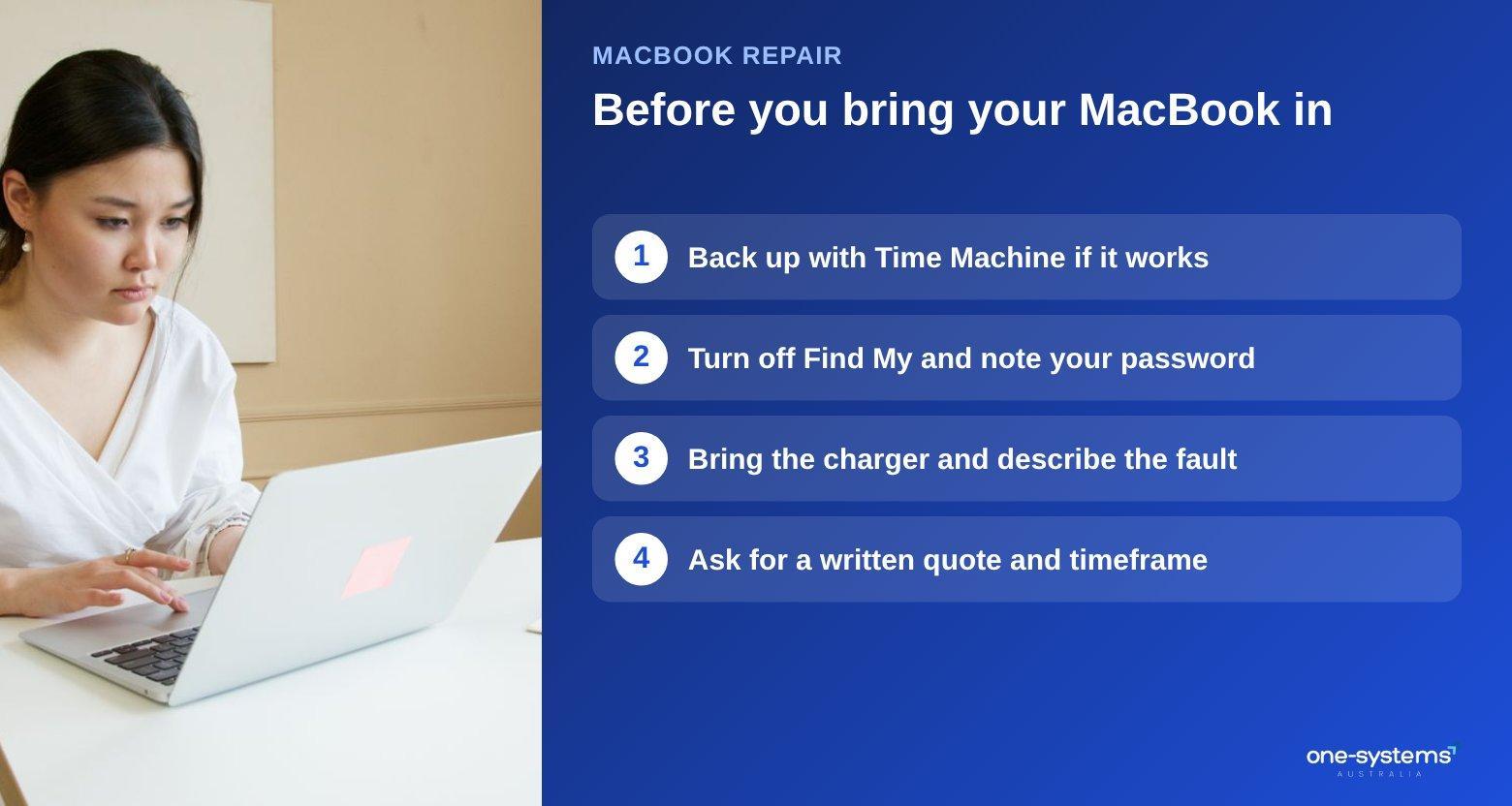
A little preparation makes the process smoother and protects your information. Back up your Mac if it still works. Time Machine or a cloud service will do the job. If the Mac will not start, do not try risky fixes, and tell the technician you need your files. Sign out of your accounts where possible and turn off Find My. This step matters because the feature can lock the device during certain repairs. If you cannot sign out, tell the technician so that you can plan around it.
Note your password. A technician may need it to test the machine after the repair, and you can change it afterwards. Remove any sensitive files you do not want on the machine during testing.
Bring the charger and any accessories relevant to the fault. If the issue is a charging problem, the original charger helps to rule out a faulty cable.
Describe the problem clearly, including when it started and what you were doing. Mention any past repairs or accidents, because they can explain current symptoms. Ask for a written quote, an estimated timeframe and details of any warranty. If your device is insured, ask about documentation, and our insurance damage reports page explains how assessments work. Our team is happy to explain the whole process, and you can read more about us before you decide.
If your Mac turns out to need more than you expected, you are not locked in. Compare the quote with the cost guide, look at a ready-to-use replacement in the shop or ask the Norwood team to explain the options in person.
Get your MacBook repaired
If your MacBook is acting up, a clear diagnosis is the best first step. Start with our laptop repairs in Adelaide, contact us with your model, or browse the services and shop. You can also read about the team and check the areas we serve for the closest location.
Frequently asked questions
The answers our team gives most often.
Ready to get it sorted?
Walk in or book online — we'll diagnose for free and quote before we touch anything.