

MacBook Screen and Battery Replacement: What It Costs, What Affects the Price and What to Expect
Cracked MacBook screen or a worn battery? Learn what affects replacement costs, warning signs and what a repair involves in Adelaide.

The two most common MacBook repairs are screens and batteries, and they are also the two that people worry about most when it comes to cost. Both are very fixable, and a new screen or battery can give a good Mac years of extra life. The trick is knowing what affects the price and what to expect from the repair. This guide covers both, in plain language. If you want a figure for your own machine, the laptop repair team at One Systems can assess it, and you can contact us with the model and a photo of the problem.
Why MacBook screens break
MacBook displays are beautiful but delicate, and most damage comes from everyday accidents.
Drops and knocks are the obvious cause. A fall onto a hard surface can crack the glass or damage the panel behind it, sometimes without a visible crack on the surface. A damaged panel may show lines, coloured bands or dark patches that grow over time. Pressure is a less obvious cause. A MacBook squeezed in an overstuffed bag, or something small caught between the keyboard and the screen when the lid closes, can crack the display. Apple laptops have very tight clearances, so even a thin cover or a pen on the keys can cause a crack.
Heat and age also play a part. Some MacBook Pro models from the mid to late 2010s developed a backlight fault over time, often described as a stage-light effect along the bottom of the screen. It comes from wear in the display cable rather than from a drop. Water and liquid can damage the display too, although the board is usually the bigger concern. If you spilled anything, read the water damage guide and switch the machine off.
The pattern of damage tells a technician where to look. Lines or flickering may mean a cable, while a crack with black patches means the panel itself has failed. Because the display is usually a single assembly, the repair is typically a replacement of the whole unit.
For more on how displays are handled on laptops generally, see laptop screen replacement. People who also have a damaged phone will find a useful comparison in our iPhone screen repair article, and the Norwood team can look at your Mac in person. The services page lists what else we repair.
What affects the cost of a MacBook screen repair
Searching for a price often turns up a wide range, and the reason is simple: the cost depends on the machine.
The model and year are the first factors. A recent MacBook Pro with a high-resolution display costs more to repair than an older, simpler model. MacBook Air screens are usually less expensive than Pro screens, but still vary with the year.
The type of damage matters. A single crack can sometimes mean only the panel needs replacing, while a bent lid or a damaged hinge makes the job bigger. If the case is bent, the new screen may not fit properly.
Part availability is another factor. Screens for older models can be harder to find, and that can raise the price or lengthen the wait. Quality varies too, so ask what kind of part is being used.
Extra faults change the quote. If the drop also damaged the keyboard, the trackpad or the board, the total cost rises. A full assessment avoids surprises.
Labour is the last piece. Opening a MacBook is delicate work, and the adhesive and ribbon cables take care. A careful, experienced technician is worth the cost.
Instead of chasing a headline number, ask for a written quote for your exact model, or visit the Norwood team to have it checked in person. Our guide to how repairs are priced explains what a clear quote should include, and the contact page is the place to ask. If the damage came from an accident that may be covered by insurance, the insurance damage reports page explains how a written assessment works, and our computer repair team can answer other questions about repair processes.
Signs your MacBook battery needs replacing
Batteries age whether you use them hard or not. The good news is that a MacBook tells you a lot about its own battery.
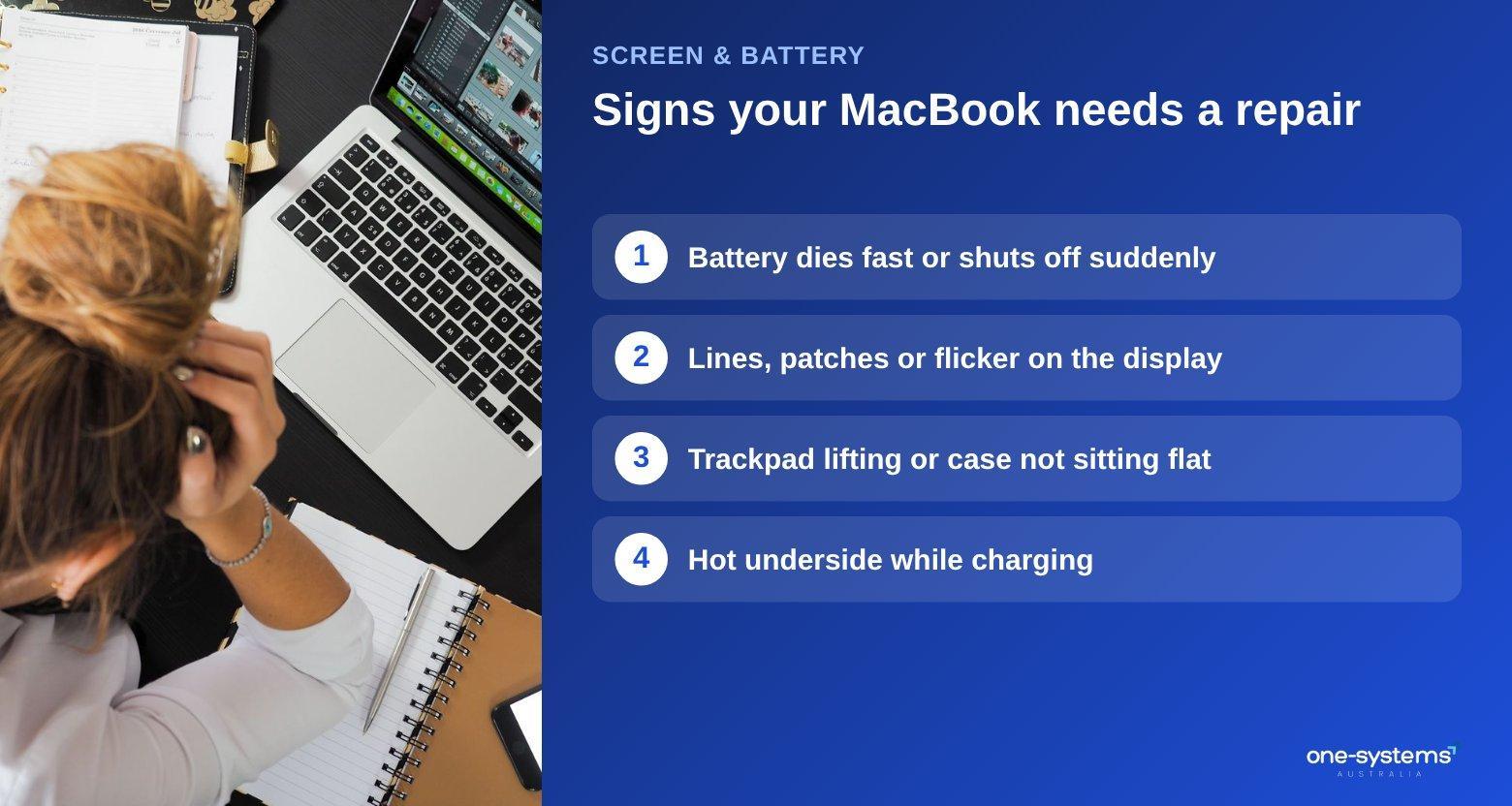
The first sign is shorter life. If your Mac that once lasted a full day now needs charging by lunch, the battery has lost capacity. Sudden drops, such as dying at 30 percent, are a related symptom.
Next is heat and fan noise. A weak battery may cause the machine to run warmer, and a laptop that gets hot on the underside while charging should be checked.
A service message is another clue. In macOS you can open the battery settings and view the battery health. If the status says service recommended, or the capacity is much lower than new, replacement is worth considering. System Information also lists the cycle count, which shows how many charge cycles the battery has used.
Physical changes are the most serious signs. A trackpad that lifts or will not click, a case that does not sit flat or a bulge underneath can indicate a swollen battery. Stop using and charging the laptop, keep it away from heat and bring it in as soon as possible. Performance problems can also relate to power. An unexpectedly slow Mac that shuts down at low charge may be struggling with a degraded battery.
Before you replace anything, rule out other causes by trying a different charger and checking for a runaway app. If the problem remains, a technician can test the battery and the charging circuit. Our laptop repairs page covers batteries for many brands, and if your Mac will not start at all, the diagnostics guide is a good next read. People with phones in the same state may find the Samsung battery article helpful. If you are unsure, ask the team to test the battery, or see the services list for related work.
What to expect during a MacBook battery or screen
replacement Knowing the process reduces anxiety, and it helps you judge a shop's professionalism. First comes the assessment. The technician examines the fault, tests the Mac and confirms the cause. You should receive a clear explanation, a quote and an estimated time before any work begins.
Next is preparation. If your Mac still works, back up your files and turn off Find My, as it can block testing. Bring the charger and your password if requested.
The repair itself involves carefully opening the case, disconnecting the battery and replacing the faulty part. Screens often involve detaching the display assembly. The technician takes care not to damage the cables, which are thin and fragile.
Afterwards comes testing. A good repairer checks the display for brightness, colour and dead pixels, and tests the battery's charging and health. The Mac is usually run for a while to confirm that everything is stable.
Finally comes handover. You should receive an explanation of what was replaced and any care advice, along with details of the warranty on the work.
Time frames depend on the part and the model. Common parts can be quick, while special orders take longer. If you need a computer in the meantime, the shop may have something to use, and the Mount Barker branch and Salisbury branch pages show other places we serve.
Repair is the sensible choice for most machines in good condition, but an older Mac deserves a second look. See whether it is worth fixing an old Mac before you decide, and check the areas page for the nearest location.
Need a hand from a local technician?
Free diagnostics at our Norwood and Mount Barker workshops. Most phone repairs done same day.
How to protect your MacBook screen and battery
Prevention is cheaper than repair, and a few habits go a long way.
For the screen, avoid anything between the keyboard and the display when you close the lid. Do not use thick keyboard covers or leave pens and cables on the keys. Carry your Mac in a padded sleeve, and do not stack heavy items on top of it in a bag. Clean the screen with a soft, slightly damp cloth, not with sprays.
For the battery, keep the laptop cool. Heat is the biggest enemy of lithium batteries, so avoid leaving the Mac in a hot car or on a bed or blanket, where vents are blocked. Use the optimised charging features, and do not keep a laptop at one hundred percent charge for months if you can avoid it.
Use a good charger. Cheap, uncertified chargers can damage the battery and the charging circuit. Stick to the original or a high-quality replacement.
Keep your software updated. Updates often include improvements to battery management and fix bugs that cause overheating or heavy drain.
Handle the lid gently. Opening it from the centre of the top edge and avoiding twisting protects the hinge, which in turn protects the screen cable. See our hinge repair guide for more on this.
Run regular check-ups. Our maintenance tips explain how to keep laptops healthy, and our phone care tips apply many of the same battery habits to your handset. If you want advice on a specific habit or accessory, ask us, and you can see how we work on the about page.
Get your MacBook screen or battery replaced
When the screen is cracked or the battery will not last, a proper repair can bring your Mac back. Start with our laptop repairs in Adelaide, contact us with your model and photos, or see the services. You can also learn about our team and the shop if you want a backup device.
Frequently asked questions
The answers our team gives most often.
Ready to get it sorted?
Walk in or book online — we'll diagnose for free and quote before we touch anything.